
Lightwaver for LightwaveRF™ (Discontinued)3.9.1 - Get APK
You'll be able to download in few seconds.
Publisher Description
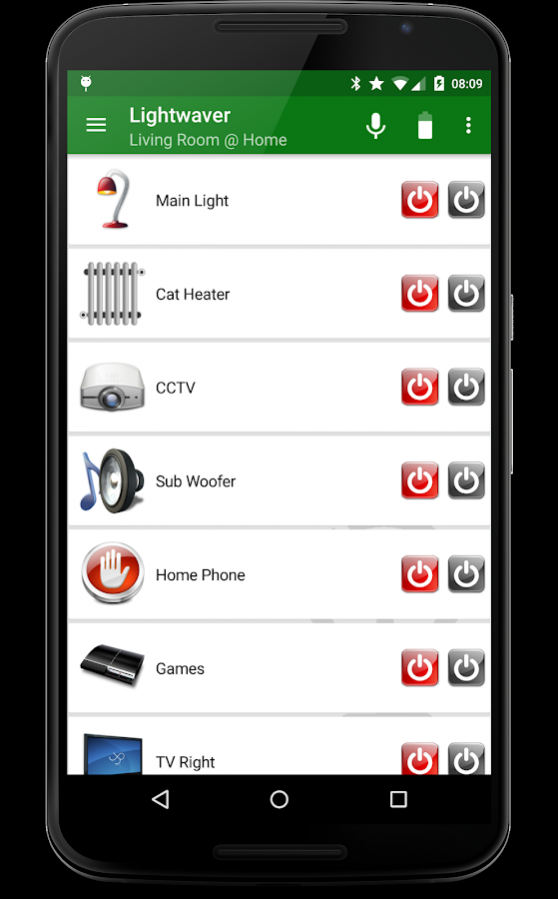
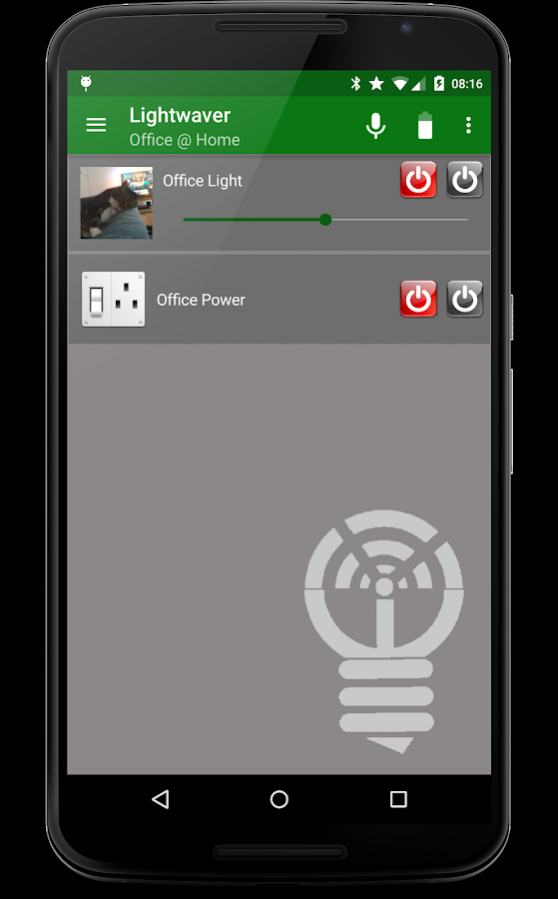
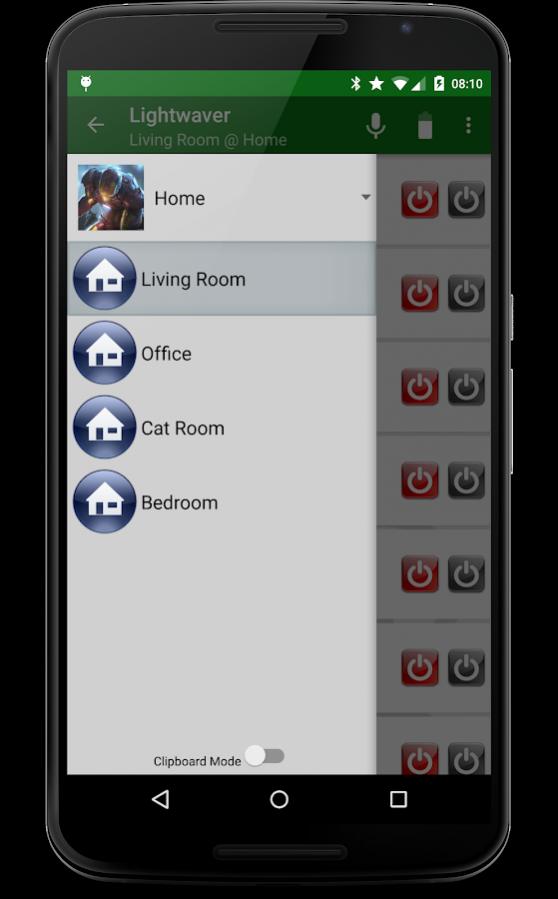

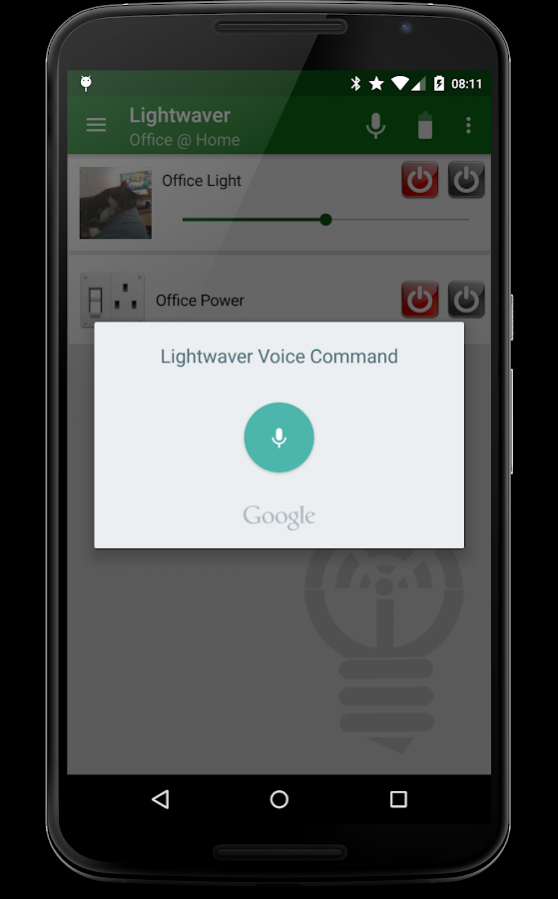




This app was created when there the only official app was a poorly implemented webview.
The official app has been much improved since then and whilst it still doesn't offer the advanced features that Lightwaver does such as Tasker support\widgets\wear etc, there seems little point developing this app further.
I will leave this app published here for the time being. Some may still find it useful. I will possibly replace the app with a more modern looking one at some point. I do have a few ideas but for all intents and purposes, this one is now discontinued. (UPDATE: Have a look at this preview https://plus.google.com/communities/100438979845496320277)
Thanks for all your support
--------------------------------------------------------
This is a 7 day trial version. You can upgrade within the app to unlock full functionality.
See Google Plus page at http://goo.gl/QWfRN for more information and for some handy hints and tips that have been posted on the G+ Community page.
I do not look at bug reports submitted by the Android system. They are useless. If you need help, please get in touch directly.
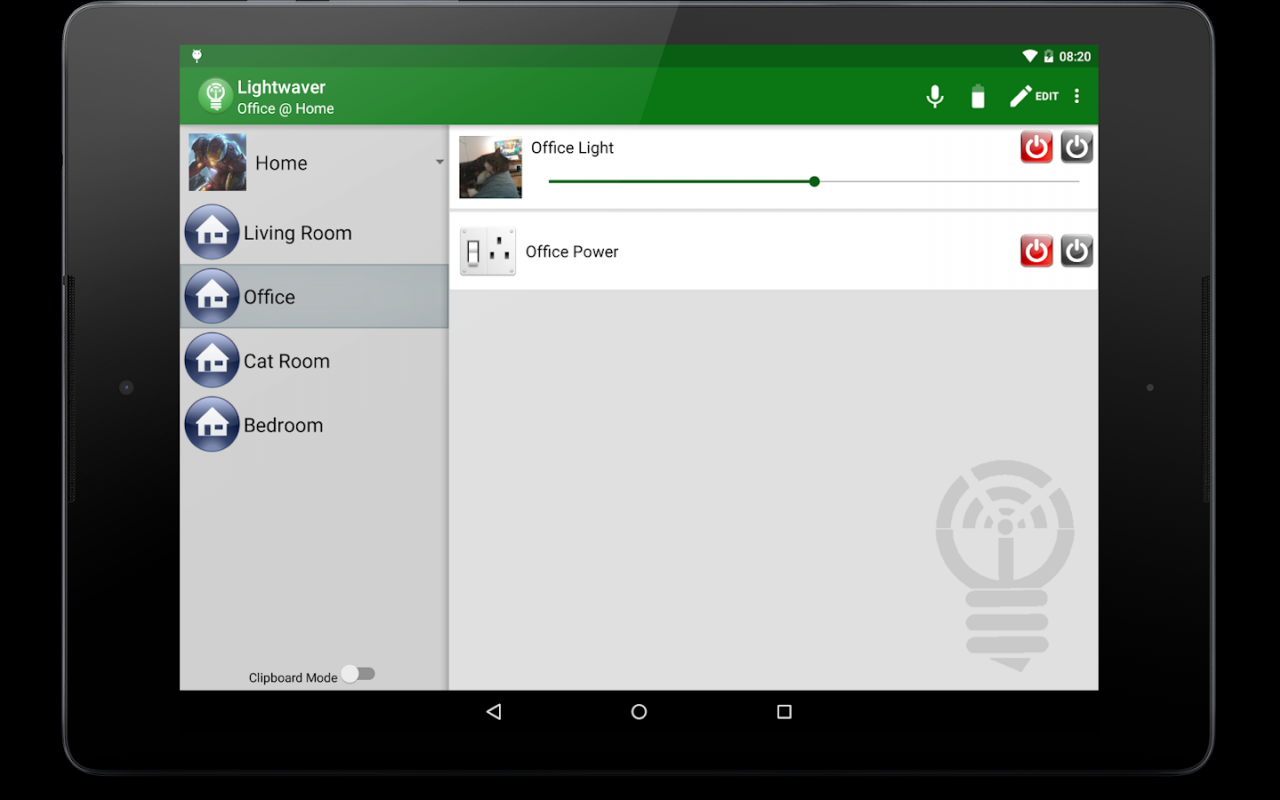
Lightwaver allows you to control your LightwaveRF Home Automation products.
http://www.lightwaverf.com
These are the same products as sold by B&Q but repackaged as Siemens
http://www.diy.com/nav/fix/electrical/room-control
You will need:
At least one socket, switch or dimmer.
The LightwaveRF WiFi link hardware.
To use the Android TV functions, you will need an Android TV device running at least Android 5 Lollipop.
The hardware needs to be set up correctly. I cannot help you with this but it is not difficult and full instructions come with the hardware. Once set up, it works in the exact same way as the dedicated remote controls. Simply treat the app as a remote control and pair your hardware devices with the software devices in the app.
Alternatively, if you exactly match the rooms & devices in the same order as in the LightwaveRF manager on the web, then there is no need to pair any device, it will work right away (assuming the official app already works)
This app does not use the LightwaveRF portal unless you are away from home. It communicates directly with your WiFilink so is much faster.
*Why would I use this instead of the official app*
- Multiple locations.
- SSID detection for routing commands.
- Built in Tasker plugin.
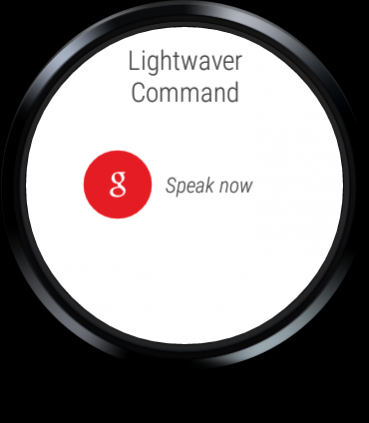
- Voice control.
- Android Wear support
- Android TV support
- NFC Task Launcher compatibility
- Homescreen and lock screen widgets
- Designed to be pure Android
- Fully customisable icons
- To support a home developer.
- Backup data to Google Drive
- Good developer support.
LightwaveRF have not released their heating API to 3rd party developers so there is no way to incorporate heating function. Please complain about that one to them not me. It is out of my hands.
About Lightwaver for LightwaveRF™ (Discontinued)
The company that develops Lightwaver for LightwaveRF™ (Discontinued) is Kuffs. The latest version released by its developer is 3.9.1.
To install Lightwaver for LightwaveRF™ (Discontinued) on your Android device, just click the green Continue To App button above to start the installation process. The app is listed on our website since 2017-09-15 and was downloaded 0 times. We have already checked if the download link is safe, however for your own protection we recommend that you scan the downloaded app with your antivirus. Your antivirus may detect the Lightwaver for LightwaveRF™ (Discontinued) as malware as malware if the download link to uk.co.kuffs.lightwaver is broken.
How to install Lightwaver for LightwaveRF™ (Discontinued) on your Android device:
- Click on the Continue To App button on our website. This will redirect you to Google Play.
- Once the Lightwaver for LightwaveRF™ (Discontinued) is shown in the Google Play listing of your Android device, you can start its download and installation. Tap on the Install button located below the search bar and to the right of the app icon.
- A pop-up window with the permissions required by Lightwaver for LightwaveRF™ (Discontinued) will be shown. Click on Accept to continue the process.
- Lightwaver for LightwaveRF™ (Discontinued) will be downloaded onto your device, displaying a progress. Once the download completes, the installation will start and you'll get a notification after the installation is finished.
Program Details
System requirements
Download information
Pricing
Version History
version 3.9.1
posted on 2017-09-15
Updates to comply with new Google Play Store policy
Add deprecation notice
Prepare for final release
version 3.7
posted on 2016-12-19
a fix for TV mode
version 2.4.8
posted on 2013-06-05
Several fixes and updates
Disclaimer
External Download
We do not host Lightwaver for LightwaveRF™ (Discontinued) on our servers. We did not scan it for viruses, adware, spyware or other type of malware. This app is hosted by Galad and passed their terms and conditions to be listed there. We recommend caution when installing it.
The APK Download link for Lightwaver for LightwaveRF™ (Discontinued) is provided to you by apps112.com without any warranties, representations or guarantees of any kind, so access it at your own risk.
If you have questions regarding this particular app contact the publisher directly. For questions about the functionalities of apps112.com contact us.
